Users
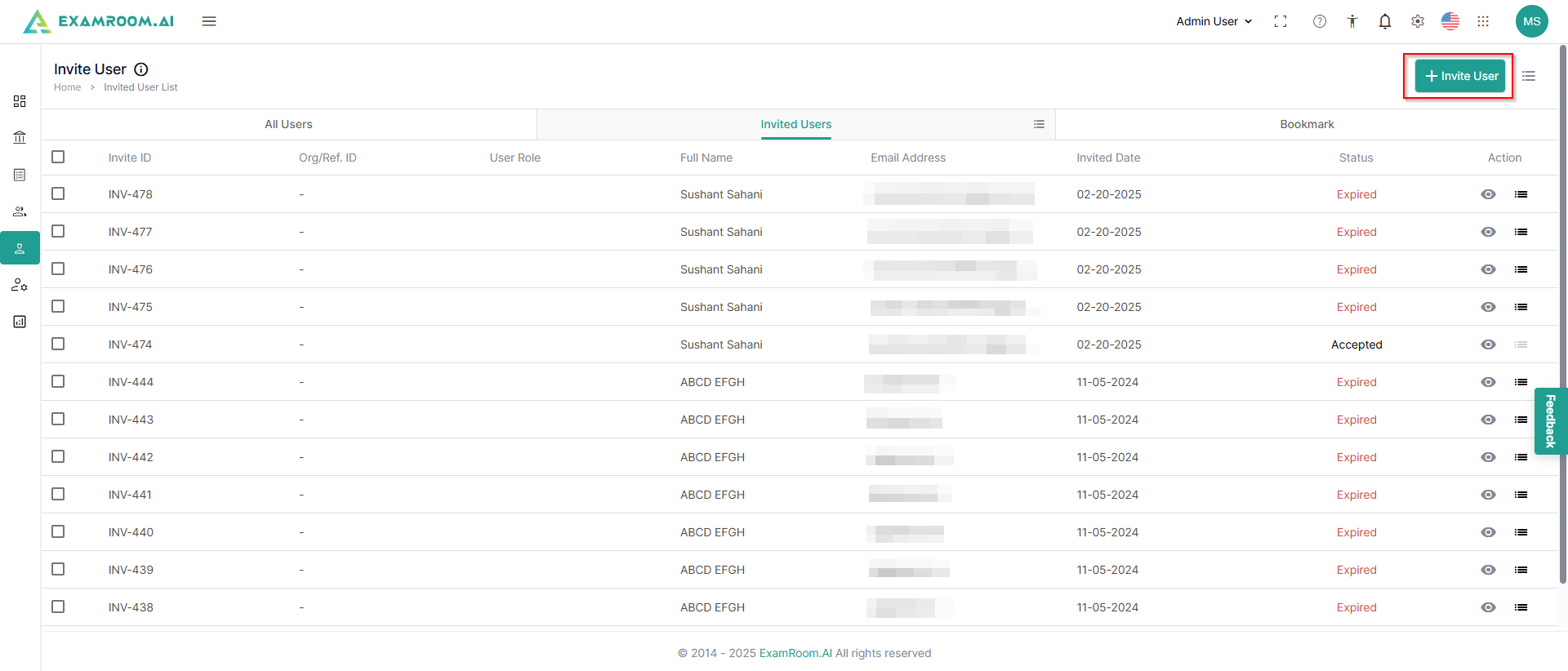
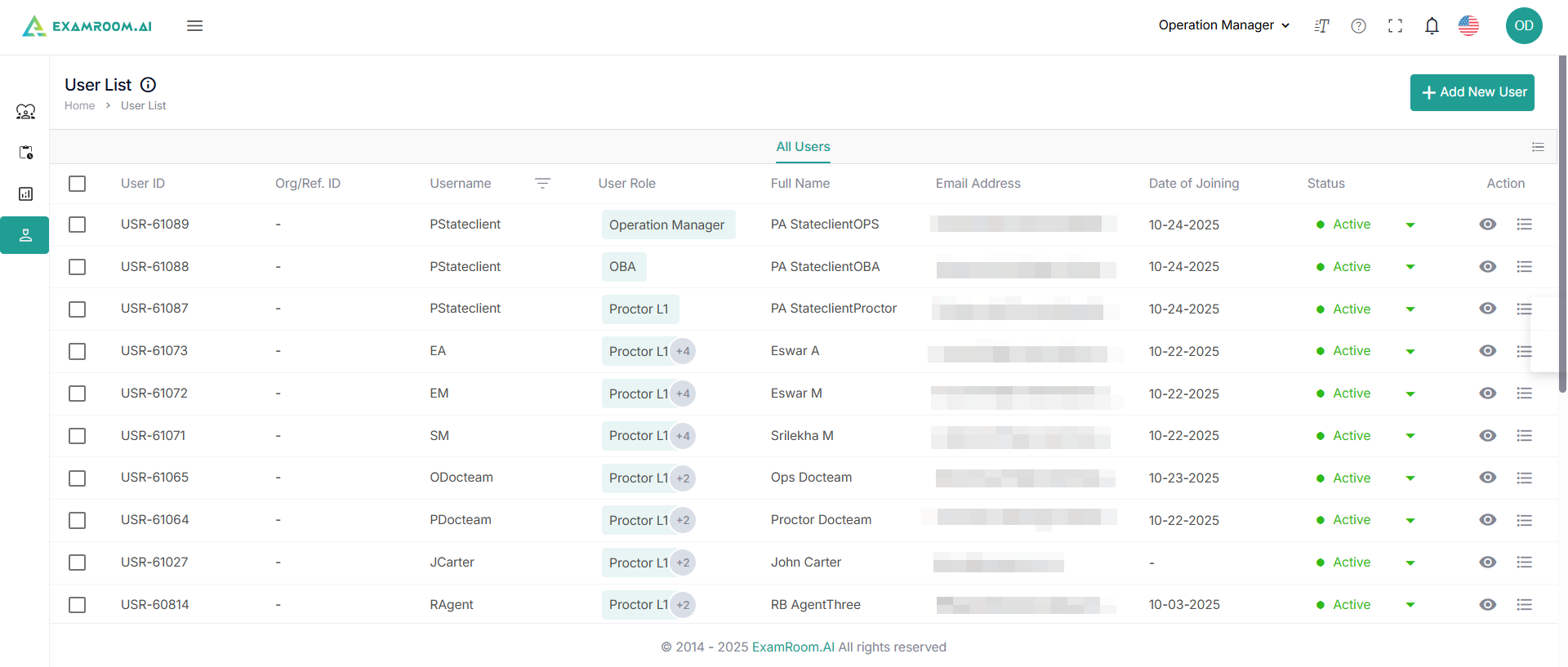
- Click Users on the left navigation menu to see a list of users.
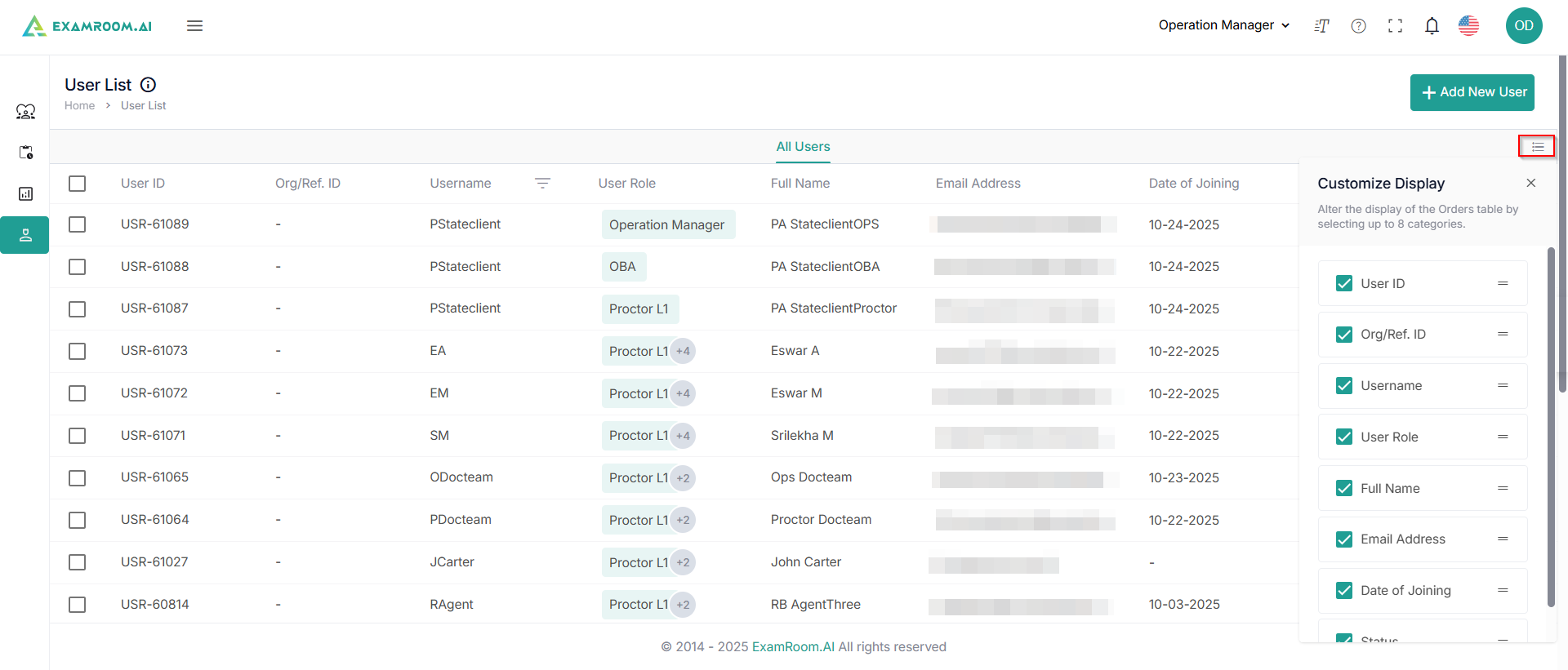
- You can customize to view any of these through the customize display option.
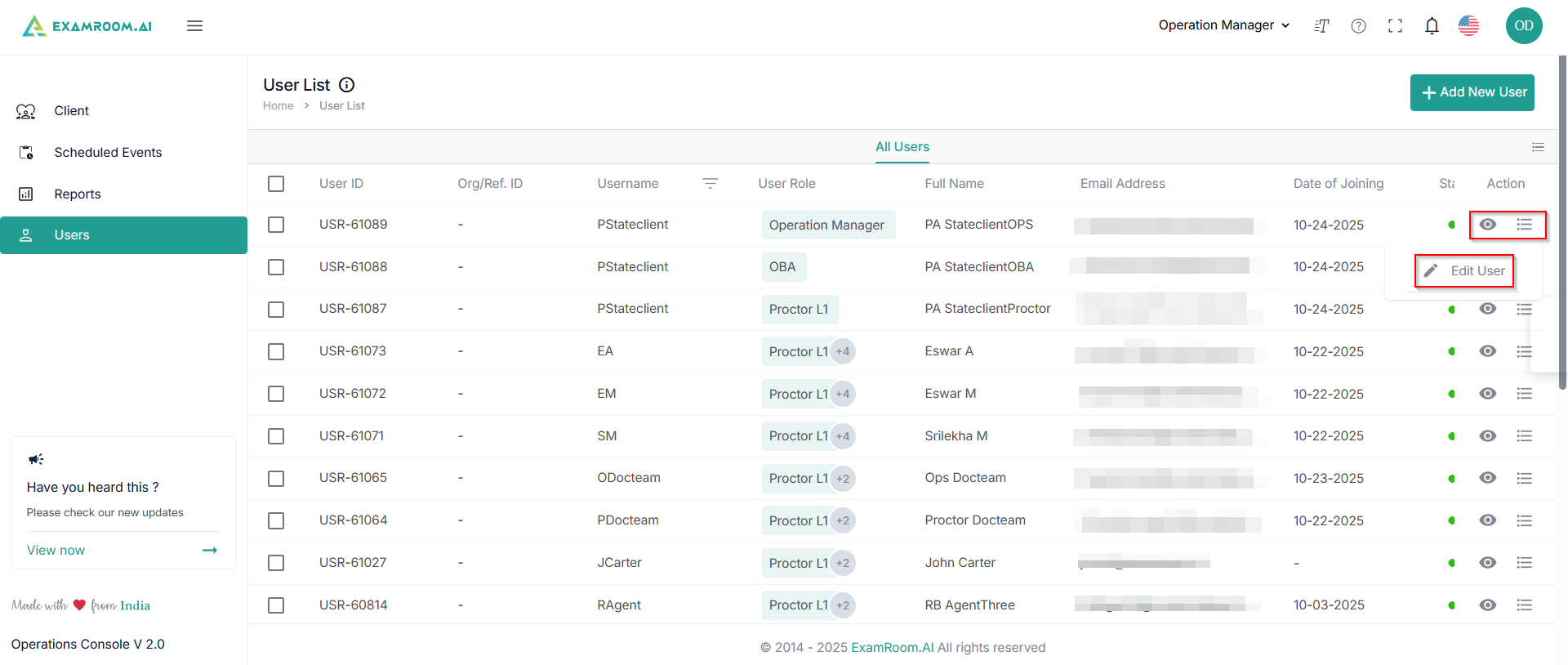
- The list of users is displayed with the following details:
- User ID: Unique ID number of the user
- Org/Ref. ID: Organization or reference ID
- Username: Username of the created ID
- User Role: The Assigned role of the user
- Full Name: Full Name of the user
- Email Address: Email address of the user
- Date of Joining: Joining date of the user
- Status: Status of the user
- Action: Available actions on users
- View: Click to get a detailed view of the user
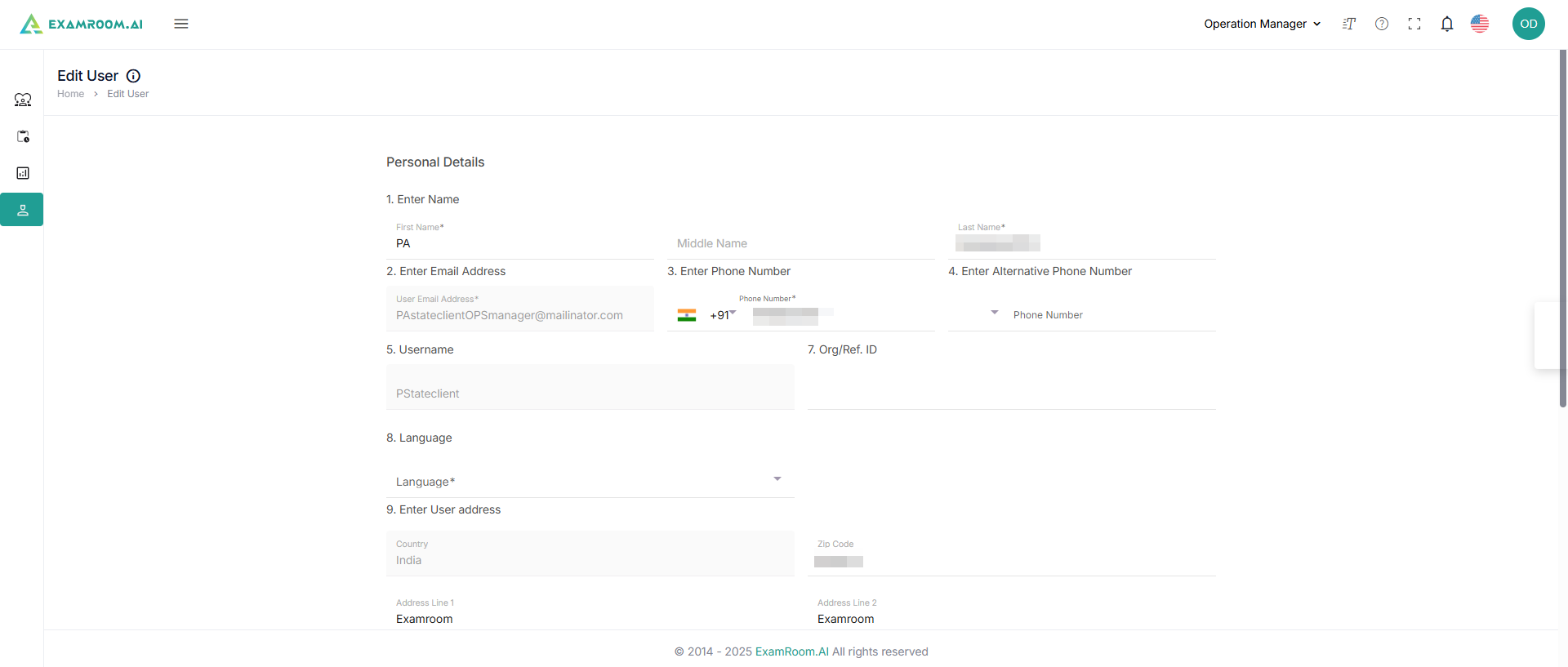
- Edit User: Click to edit the user details.
Add New User
- Click + Add New User to add a new user.
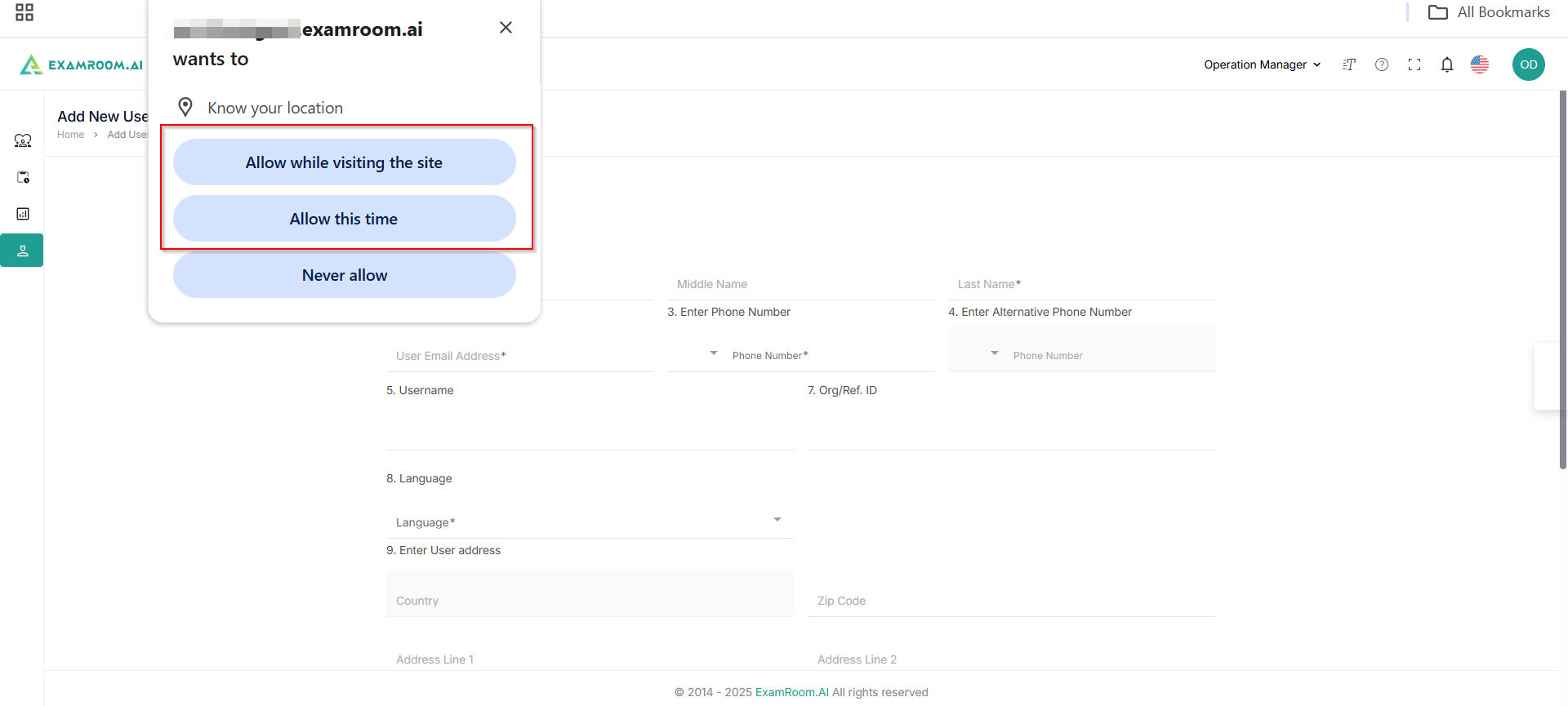
- A pop-up appears, asking permission for your location. Click Allow to grant access.
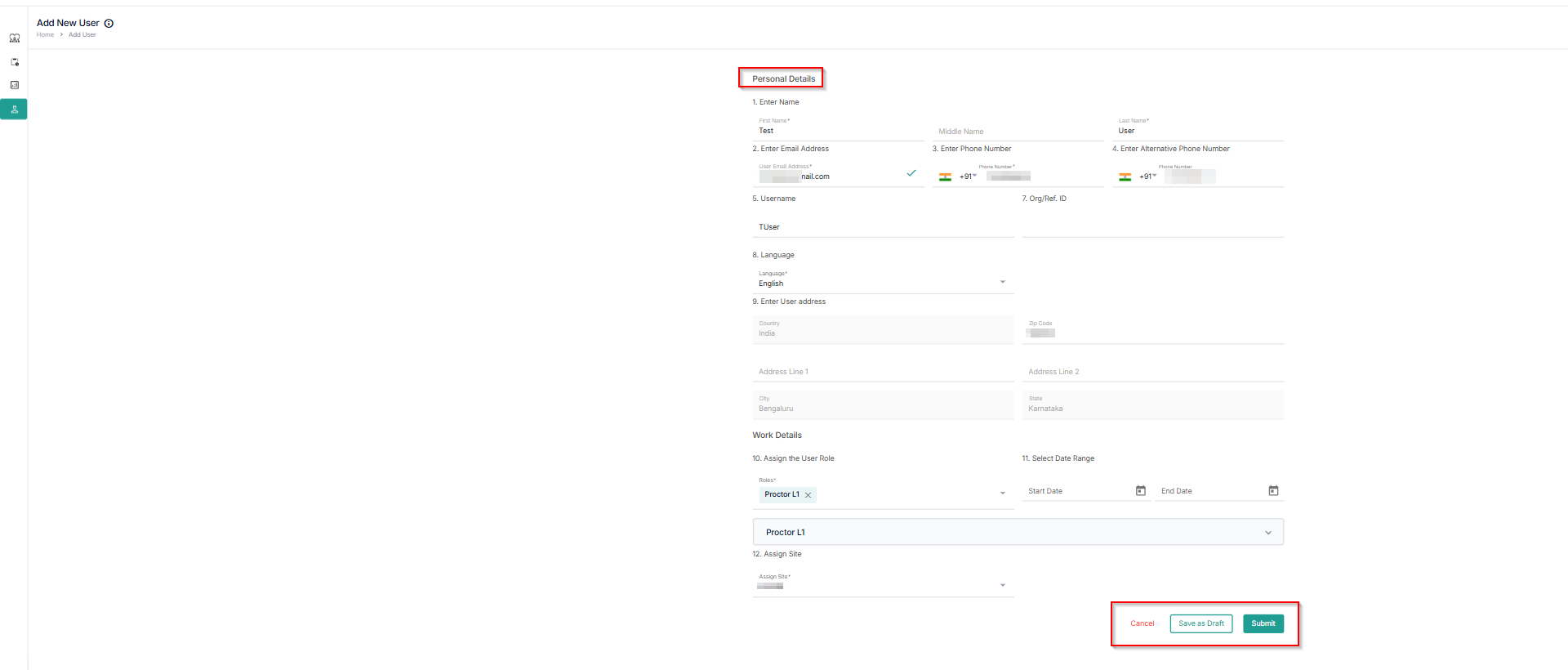
- Fill in your personal details, assign a role to the user, and click Submit.