- Navigate to the side menu on the left of the page and select Clients.
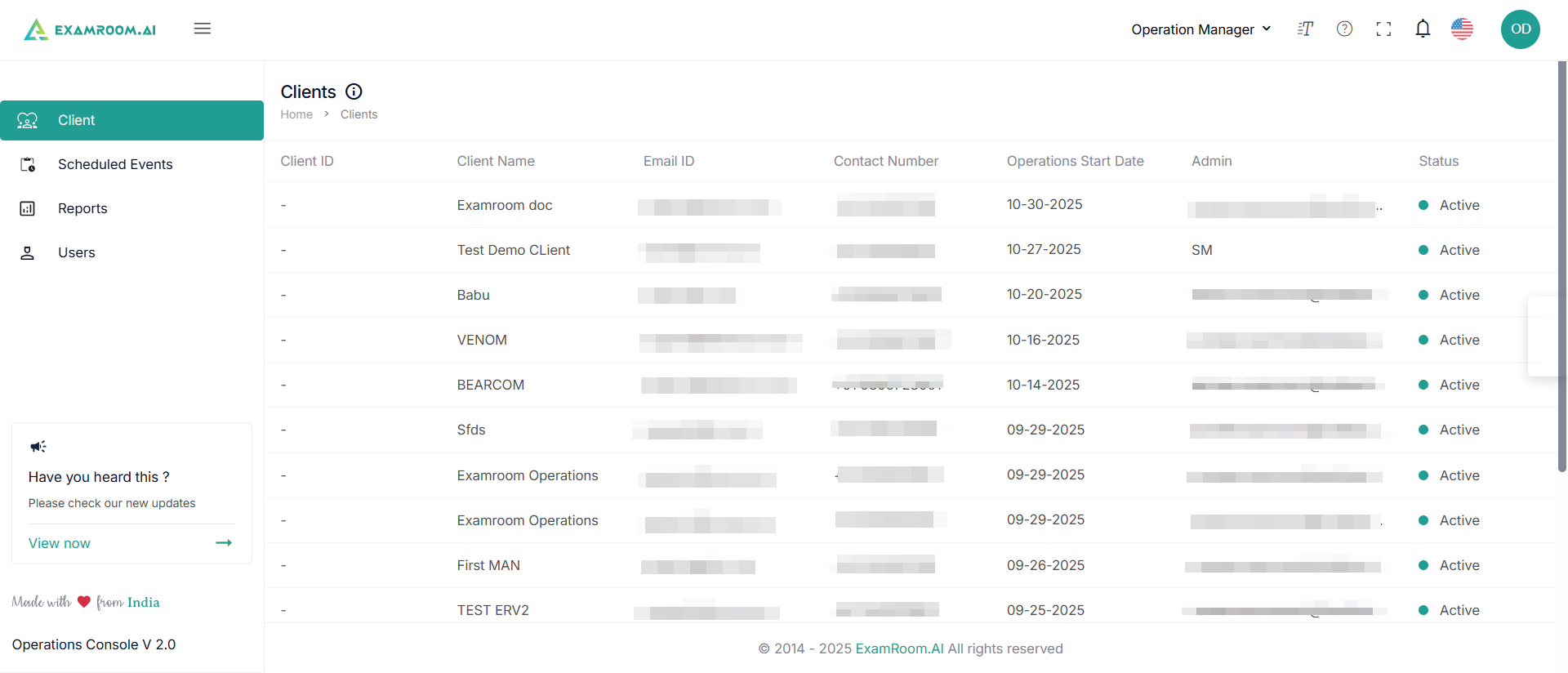
- The client details are displayed as a list with the following details:
- Client ID: The unique ID of the client
- Client Name: Name of the client
- Email ID: Client’s email ID
- Contact Number: Contact Details of the Client
- Operations Start Date: Contract date with ExamRoom.AI
- Admin: Name of the person from the client organization who acts as an admin
- Account Size: Total number of registered exams per total number of contracted exams
- Status: This is the client’s status, active or inactive
Was this article helpful?
