Login
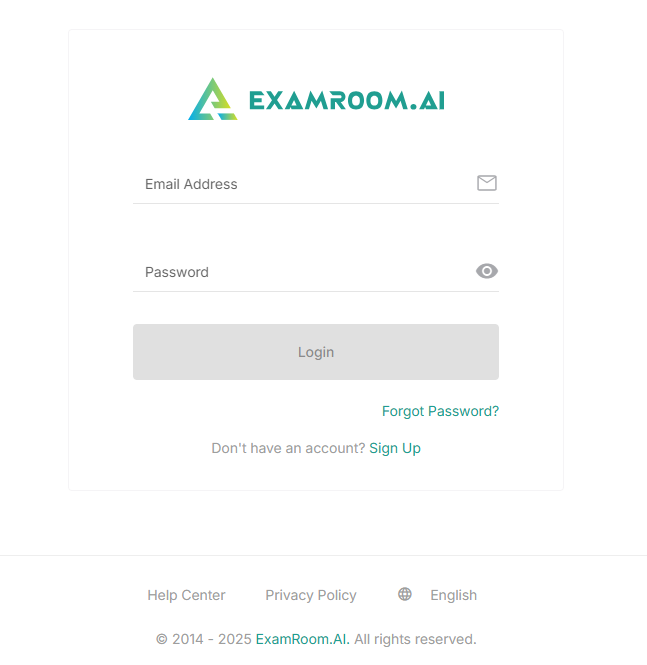
- Log in to the Proctor L1 console using the following link: Proctor L1
- To log in as a new user, you are required to sign in through your email ID and password.
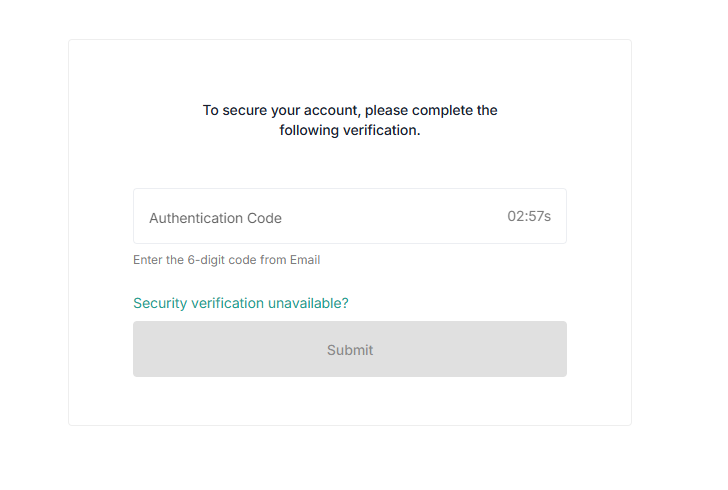
- Upon signing in, a 6-digit security code is sent to your email account. Check your email inbox, enter the code for verification, and click submit to log in to the console. Click Security Verification Unavailable if you did not receive any security code in your email account.